Interactive 3D, advanced ballast optimization, step based workflows and mesh-based cargo definition running entirely within the vessel's local network. No installation needed. Just open a browser.
Try it free in your browser on sample vessels.


The Problem
Most onboard loading computers still run on outdated desktop applications with interfaces designed in the 1990s. They require dedicated workstations on the bridge, proprietary software installation and are tied to specific hardware that's difficult to maintain or replace at sea.
Traditional ship loadicators function as static verification tools. You enter a final condition and check whether it passes. There's no support for modeling the actual cargo operation step by step with stability verified at every intermediate stage. If something changes mid-operation, you start over.
The crew enters ballast quantities by hand, checks whether stability passes, adjusts, checks again. For complex operations multi-port discharges, heavy lifts, load-in/load-out this iterative guessing can take hours and still produce suboptimal results.
Loading plans created in the office can't be sent directly to the onboard system. The crew re-enters everything manually. Shore-side planners have no visibility into what's actually happening onboard. There's no single source of truth.
The Solution
SecureLoad's Ship Loading Computer is the first web-based, class approved loading computer that runs entirely inside a browser on the vessel's local network. It supports step-based operational workflows, integrated ballast optimization, interactive 3D visualization and mesh-based cargo definition all without any software installation.
No other onboard loading computer does this.
Real Scenarios
Under the hood
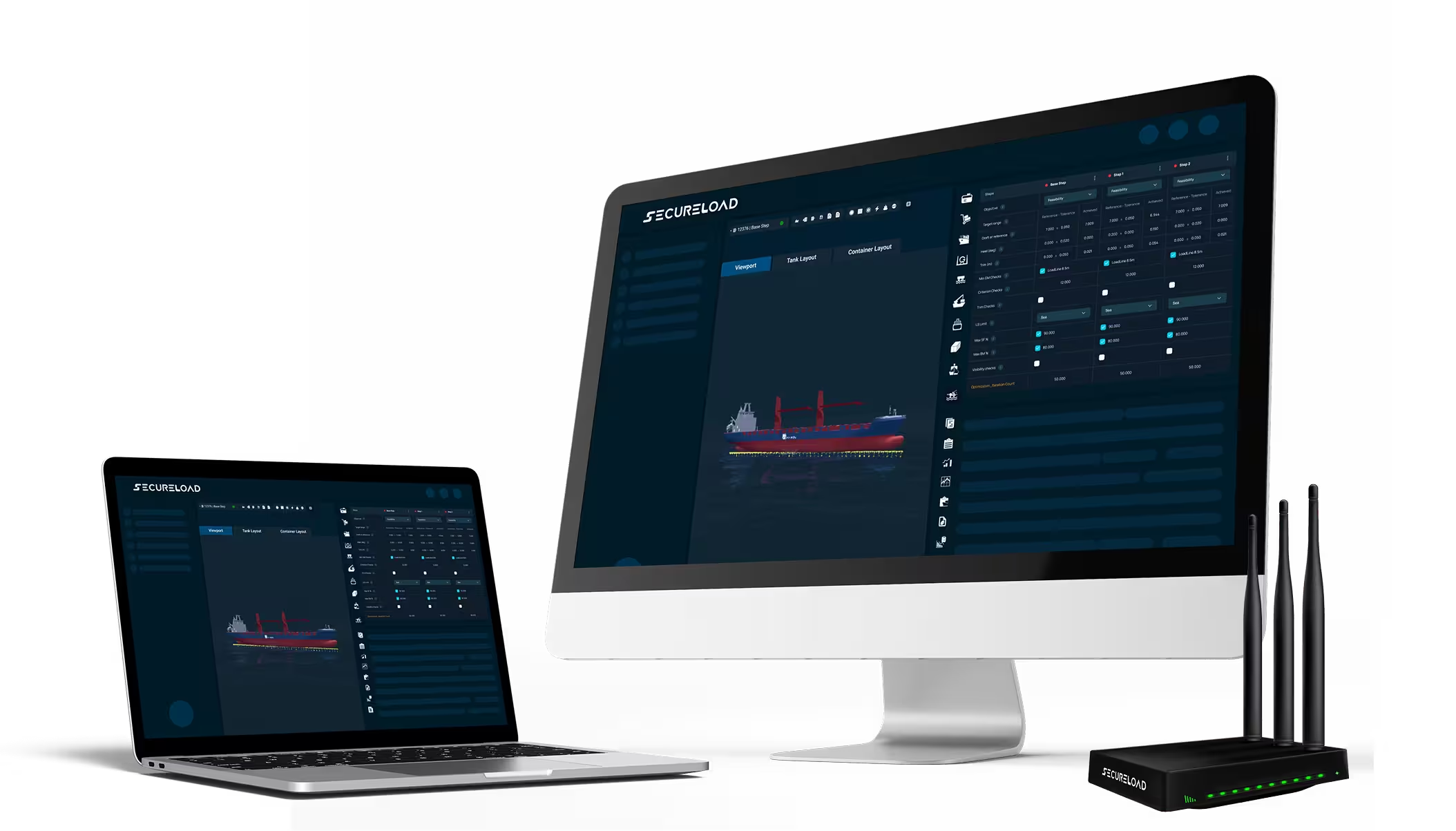
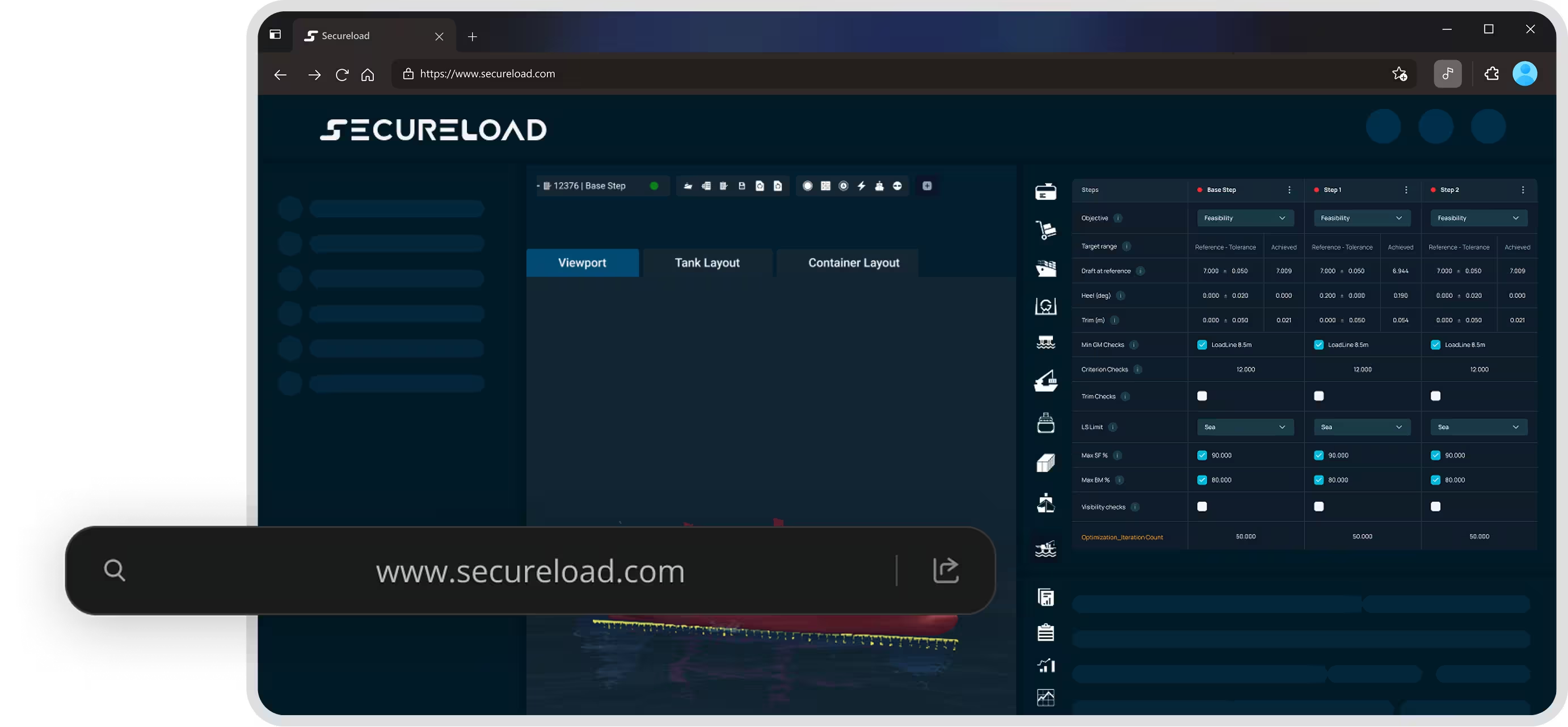
SecureLoad is a fully web-native ship loading computer. It runs inside a standard browser Chrome, Firefox, Edge without any local software installation. The application is served from a compact onboard hardware unit connected to the vessel's LAN. Any device on the network can access it. Multiple users can work simultaneously on the same worksheet. And because it's browser-based, updates are deployed to the server every user gets the latest version instantly.
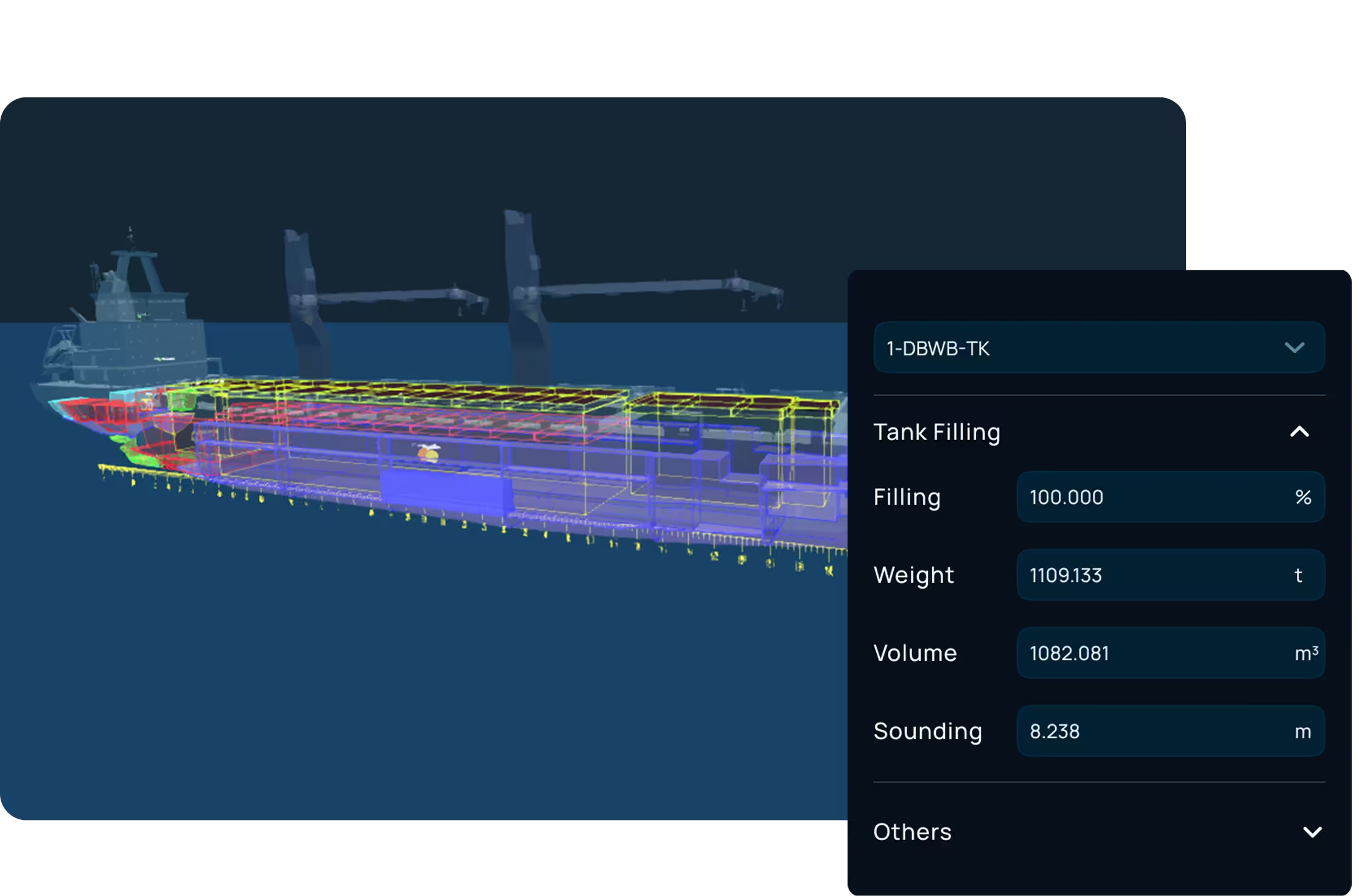
SecureLoad renders the vessel, its tanks, holds and cargo in full interactive 3D directly in the browser. Fill a ballast tank and see the waterline change. Reposition a cargo item and watch the stability curve update. The 3D view is fully synchronized with the traditional table-based inputs: change a value in a table and the 3D updates instantly. Change something in 3D and the tables reflect it. This isn't a static render it's a live, interactive tool that makes loading conditions intuitive.
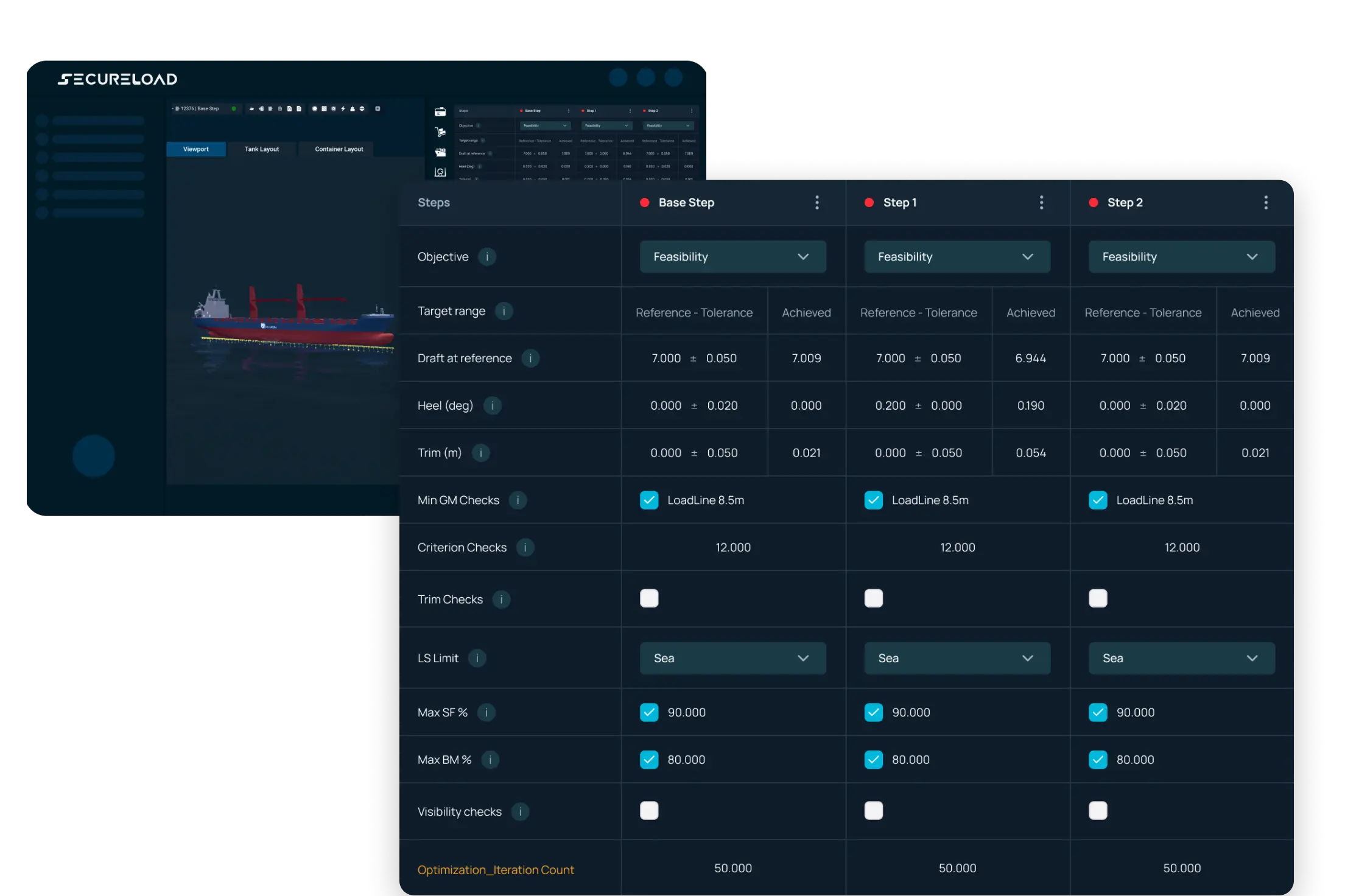
Unlike traditional ship loading computers that only verify a final condition, SecureLoad lets you model the entire operation as a sequence of steps. Load-In/Load-Out. Lift-On/Lift-Off. Float-In/Float-Out. Each step represents a discrete change a cargo loaded, a tank ballasted, a crane lifted and stability, longitudinal strength and drafts are recalculated at every step. You don't just know whether the final result is safe. You know whether every intermediate stage is safe.
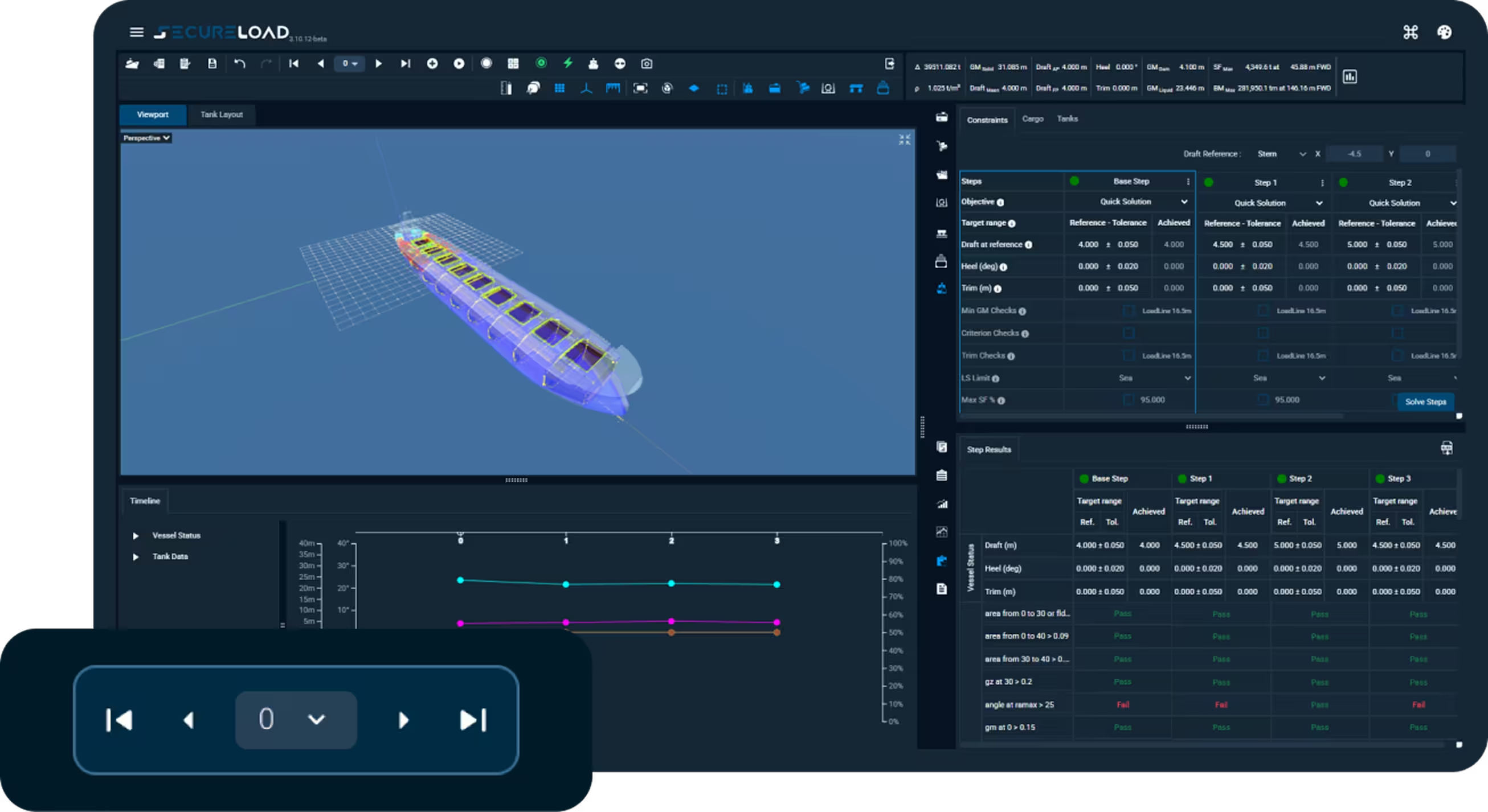
SecureLoad includes an integrated ballast optimization engine designed for real operational use. Users define target conditions and practical constraints such as allowable tanks, filling limits and operational preferences. The solver iterates through feasible ballast distributions to identify solutions that satisfy stability, strength and draft requirements.
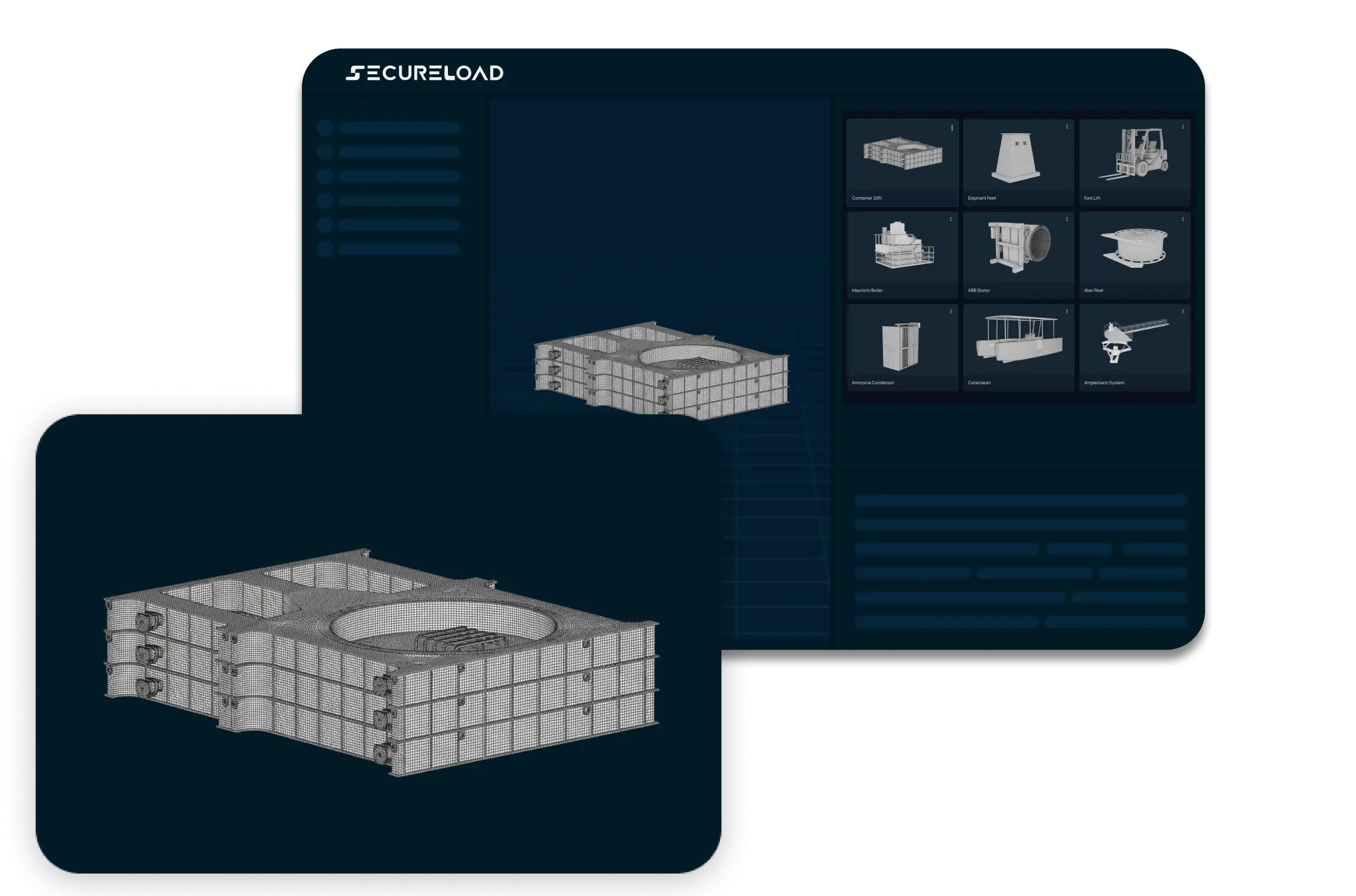
SecureLoad supports mesh-based cargo definition using 3D geometry. Instead of approximating a cargo item as a simple box with a weight and a center of gravity, you import the actual 3D mesh. The system derives volumes, centroids and spatial envelopes directly from the geometry. This is essential for heavy lift, project cargo and deck carriers where cargo shapes are irregular and precise placement affects stability, strength, and collision clearances.
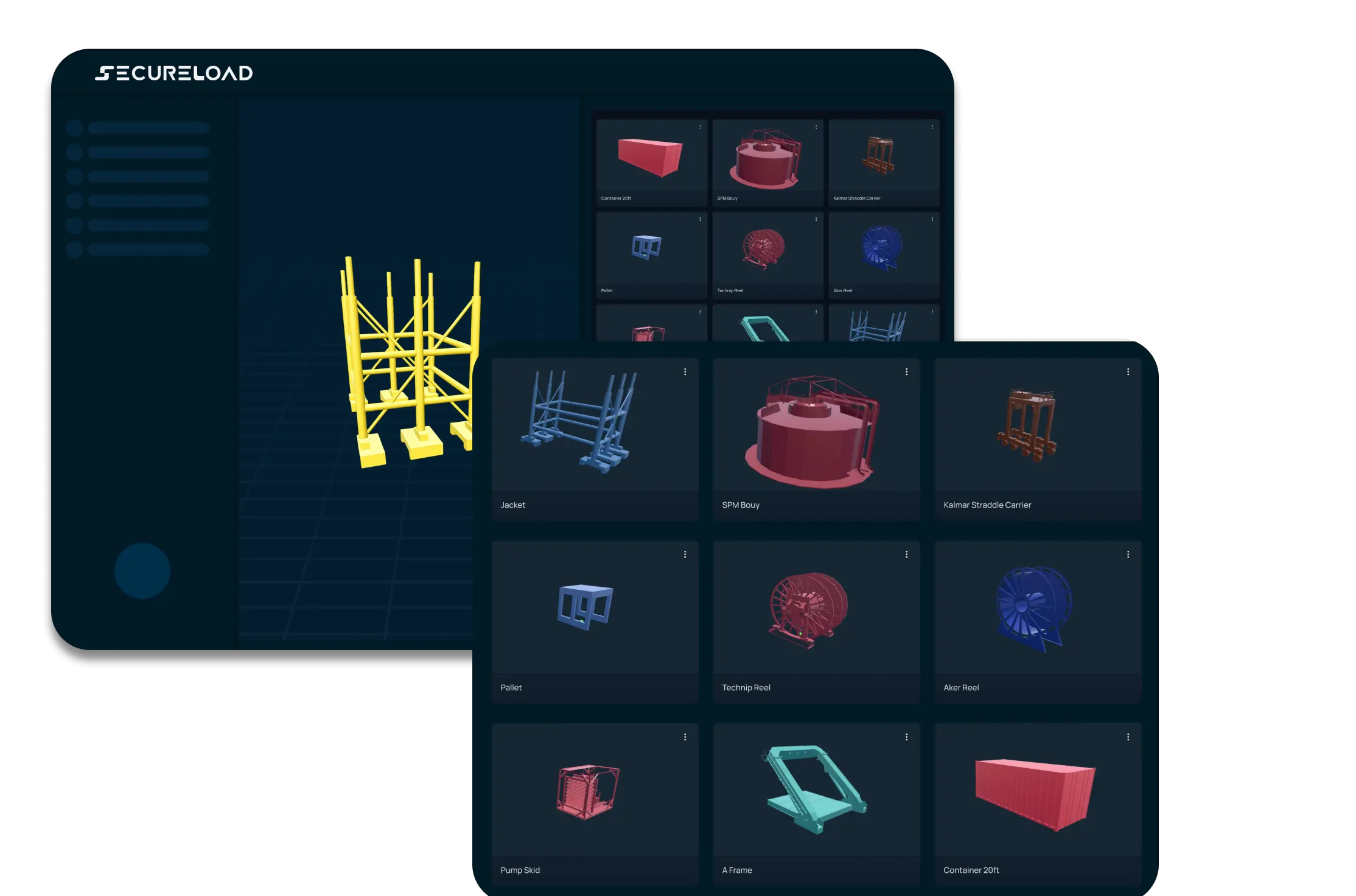
SecureLoad includes a centralized cargo template library shared across the vessel. Common cargo items standard containers, typical project cargo pieces, frequently carried loads are stored as reusable templates with their geometry, weight ranges, and handling properties predefined. The crew selects a template, adjusts the specifics and places it on the vessel. Custom cargo geometries can also be uploaded and saved as new templates, building a library tailored to the vessel's operational profile over time.

Calculates intact stability and longitudinal strength for defined loading conditions. Results are checked against regulatory criteria and presented as curves, limits, and numerical outputs in compliance-ready reports.

Determines optimal tank filling levels to achieve the target loading condition. Uses iterative optimization within operational constraints like tank-usage restrictions and filling limits keeping solutions practical onboard.

Recommends the optimal trim for a given loading condition within stability limits, and identifies the ballast adjustments required to reach it improving efficiency without compromising compliance.

Integrates live tank-level data into the loading computer via standard MODBUS communication, so the vessel's loading condition updates in real time during operations.

Interfaces with ballast automation systems to execute computed loading plans directly. Powered by Hoppe Marine GmbH, it enables controlled, automated ballast water transfer linking calculation to execution.

Performs stability and strength assessments for defined damage cases using direct calculation. Results are verified against regulatory requirements and supported by detailed assessment reports for operational and approval use.

Loads and distributes unitized cargo across holds and deck areas. Configurable hatch covers, tween decks, and internal bulkheads represent the vessel’s operational arrangement with predefined and custom configurations for vessel-specific layouts.

Loads dry bulk and grain cargoes across configurable holds. Evaluates conditions against grain and bulk stability requirements ensuring compliance with relevant grain codes and regulatory limits while accounting for distribution across holds.

Container positioning and stowage planning with 3D and 2D visualization. Supports efficient placement across designated positions and BAPLIE data exchange for seamless integration with container planning workflows.

Integrates DNV’s StowLash solver directly into the SecureLoad workflow. Class-approved lashing calculations sit alongside loading, stability, and operational planning no external tools required.

Simulates single and tandem crane operations with manual or geometry-derived crane positioning. Verifies stability and longitudinal strength at each lifting stage and checks for collisions between cargo, cranes, and vessel structures.

Supports jack-up vessel operations through interactive 3D visualization and a dedicated leg-load distribution solver. Provides insight into load transfer during jacking and verifies conditions across operational scenarios.
Calculates and simulates float-in and float-off operations for floating docks and semi-submersible vessels. Automatically computes draft, required ballast, pump capacities, stability, and strength across all stages supporting complex submersion and r...

Supports continuous loading and discharge operations with calculations for varying tides, moving cargo, ballast transfer, and pump capacity. Evaluates stall conditions including tide-compensated SPMT failure scenarios and generates detailed ballast s...

Accurate cargo volume and ullage reporting for tanker operations. Applies temperature-dependent density and volume corrections per ASTM and API tables for precise measurement and reporting.
Deployment

Access the onboard loading computer from any device on the vessel's network including from the quayside via extended Wi-Fi. Create and verify stowage plans with 3D cargo models, collision detection and DXF export. No installation needed just open a browser.

Access the loading computer from bridge PC, tablet, or laptop any device on the vessel's LAN. Multiple crew members can work simultaneously on the same worksheet. Model the complete cargo operation step by step with stability verified at every stage.

Monitor ballasting operations from the quayside by connecting to the vessel's local network. Get real-time visibility into stability conditions, crane loads and float-in/float-out sequences with integrated ballast optimiz ation and step-based workflow support.